
Study·Live·Free
 HANGIL한길
Teaches you the Korean the EPS‑TOPIK asks for, and keeps going after you pass.
For people sitting the EPS‑TOPIK, and for anyone in Korea tired of getting by on survival Korean.
- Price
- Free
- Your data
- Stays on your device — no account, no server
- Runs on
- Android, Any web browser
- Languages2
- English · 한국어
Had 1.0? Read first
Had version 1.0? Take a backup before you update
Version 1.0.1 is signed with a new key, so Android will not install it over version 1.0. App info on your phone shows which one you have.
On 1.0, open Settings (설정) and tap Save a backup first. If a place to save the file opens, save it, uninstall HANGIL, install this APK, then Restore a backup.
If nothing opens, your copy is from before 23 September and cannot make a backup. Uninstalling it erases your progress, so you may prefer to keep it until you are ready to start again.
Updates after this one install over the top.
What it looks like
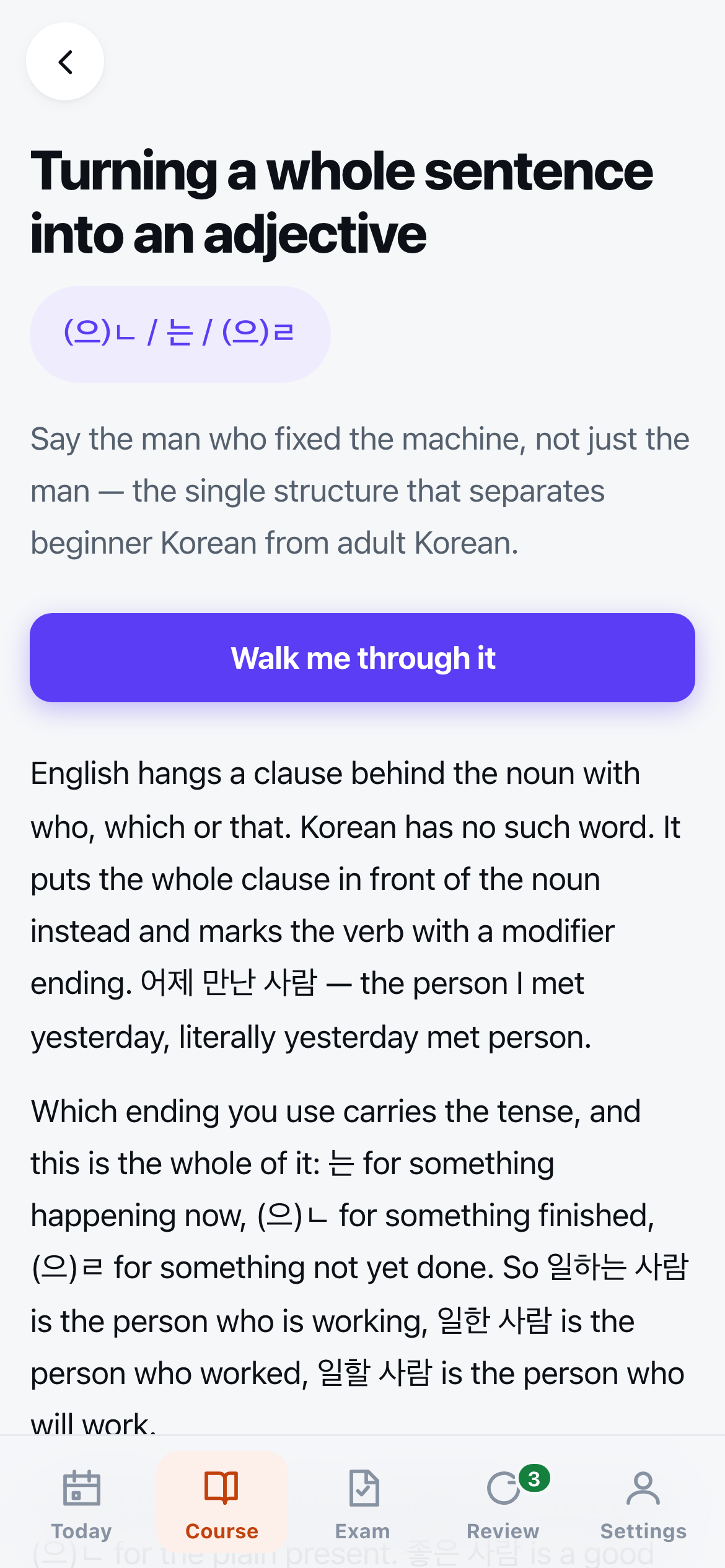
A unit from the last level. The explanation comes first and is written out in full — the app is not a flashcard deck with a grammar note attached.
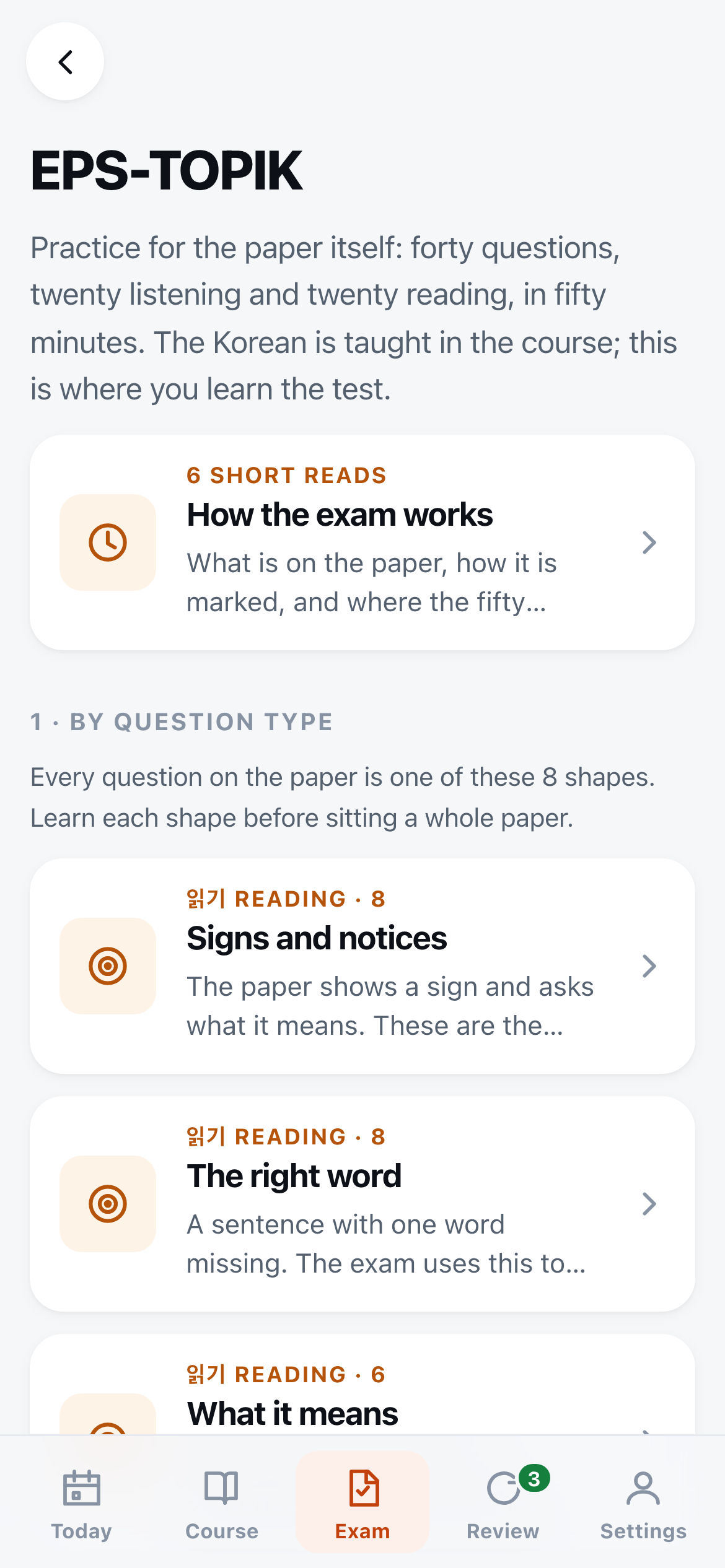
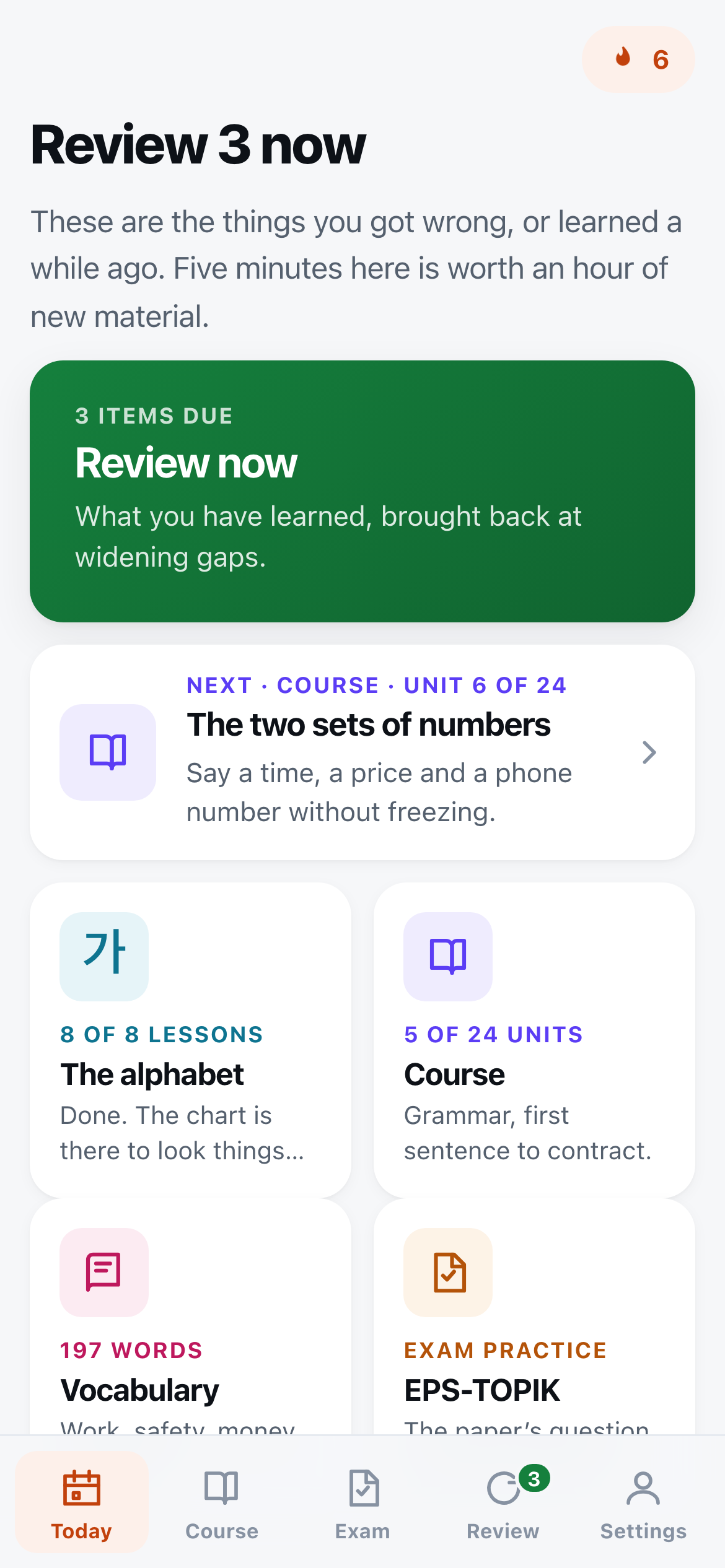
The exam side is exam preparation, kept apart from the course. It starts with each question type the paper uses, so nothing on the day is a surprise format, and then moves on to full timed papers. The day-streak and review counts visible in these captures come from a sample of progress made while taking them, not from anyone's study record.
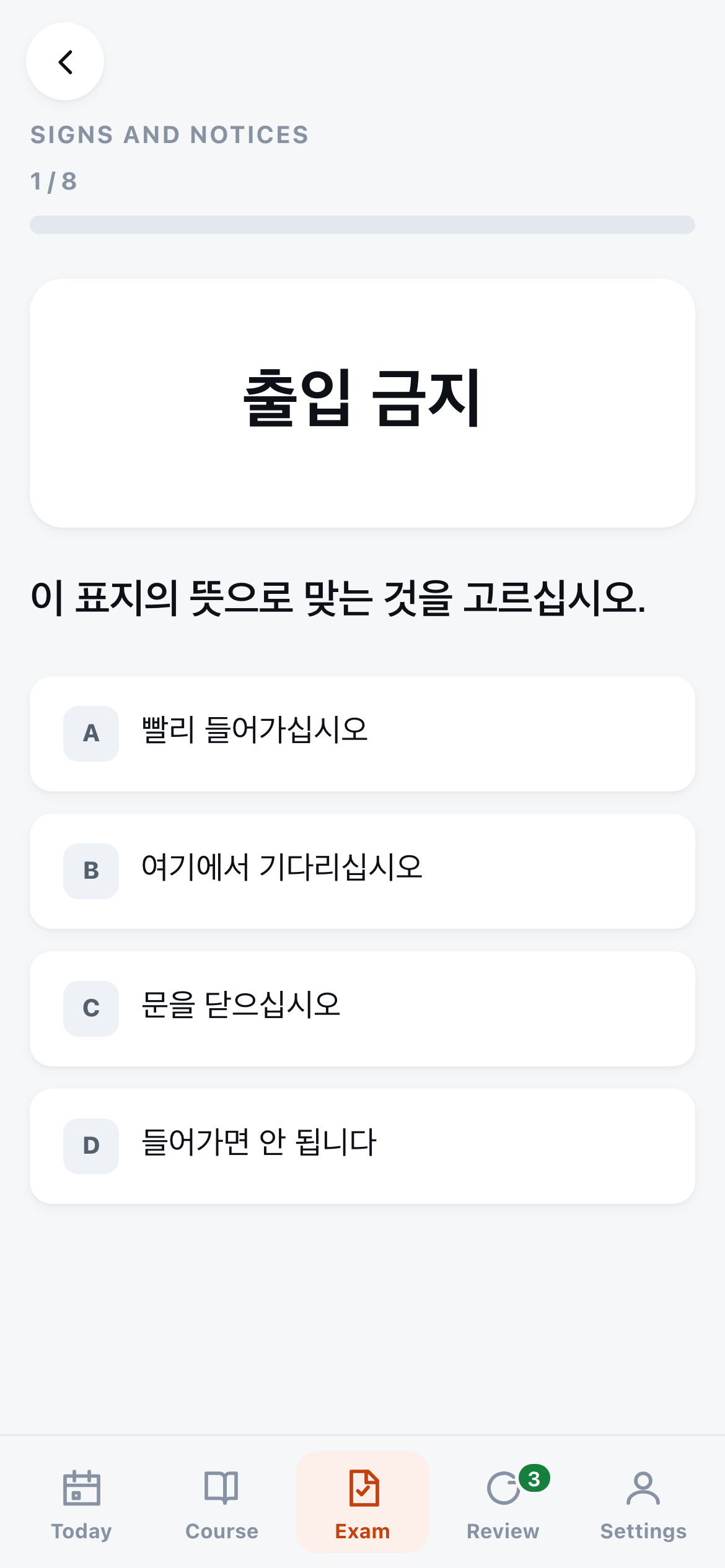
A sign question. Where the paper photographs a sign, this prints the sign's own words — the words are the thing being tested. Questions built on a drawing have a drawing.
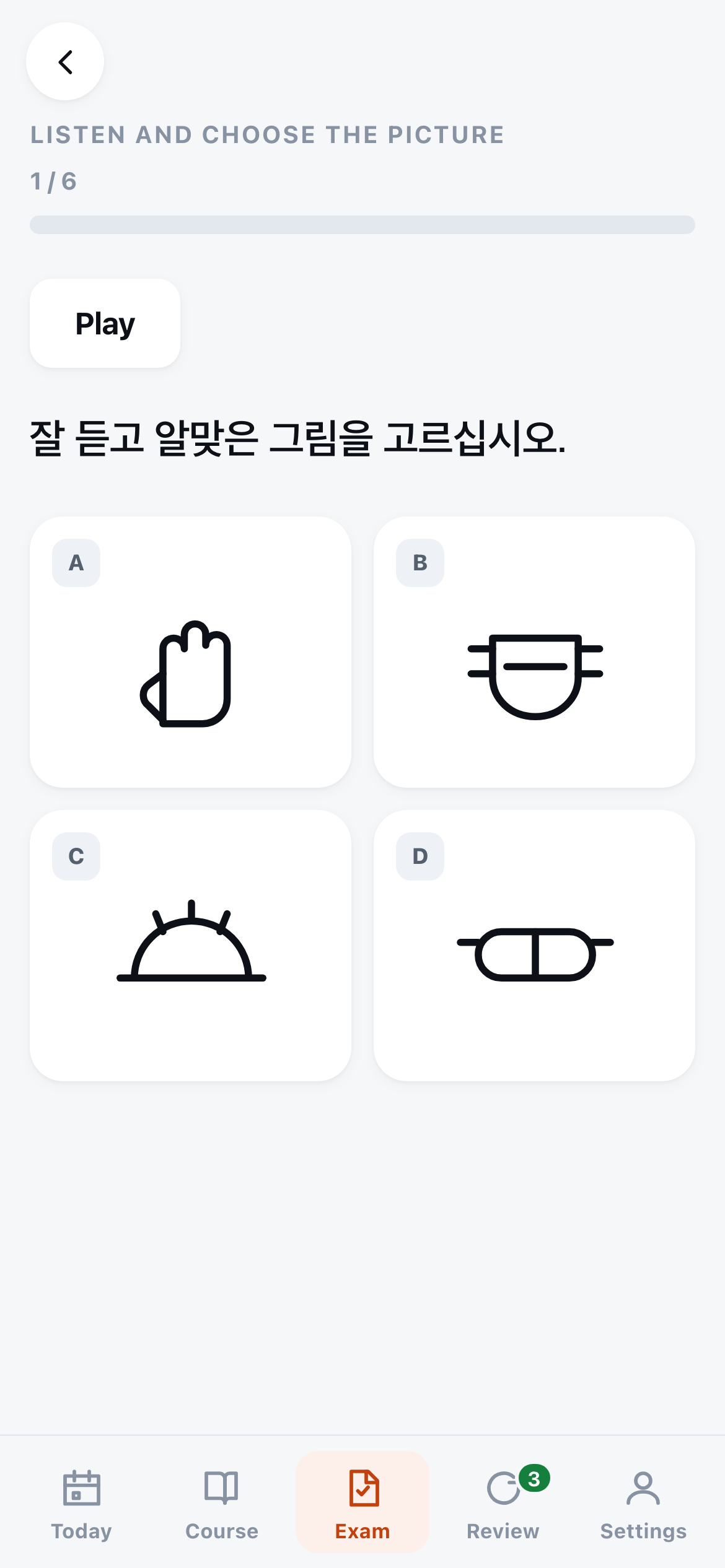
A picture question. You hear one Korean sentence and pick the drawing it describes, with nothing written down to fall back on. The drawings are original line art made for this app.
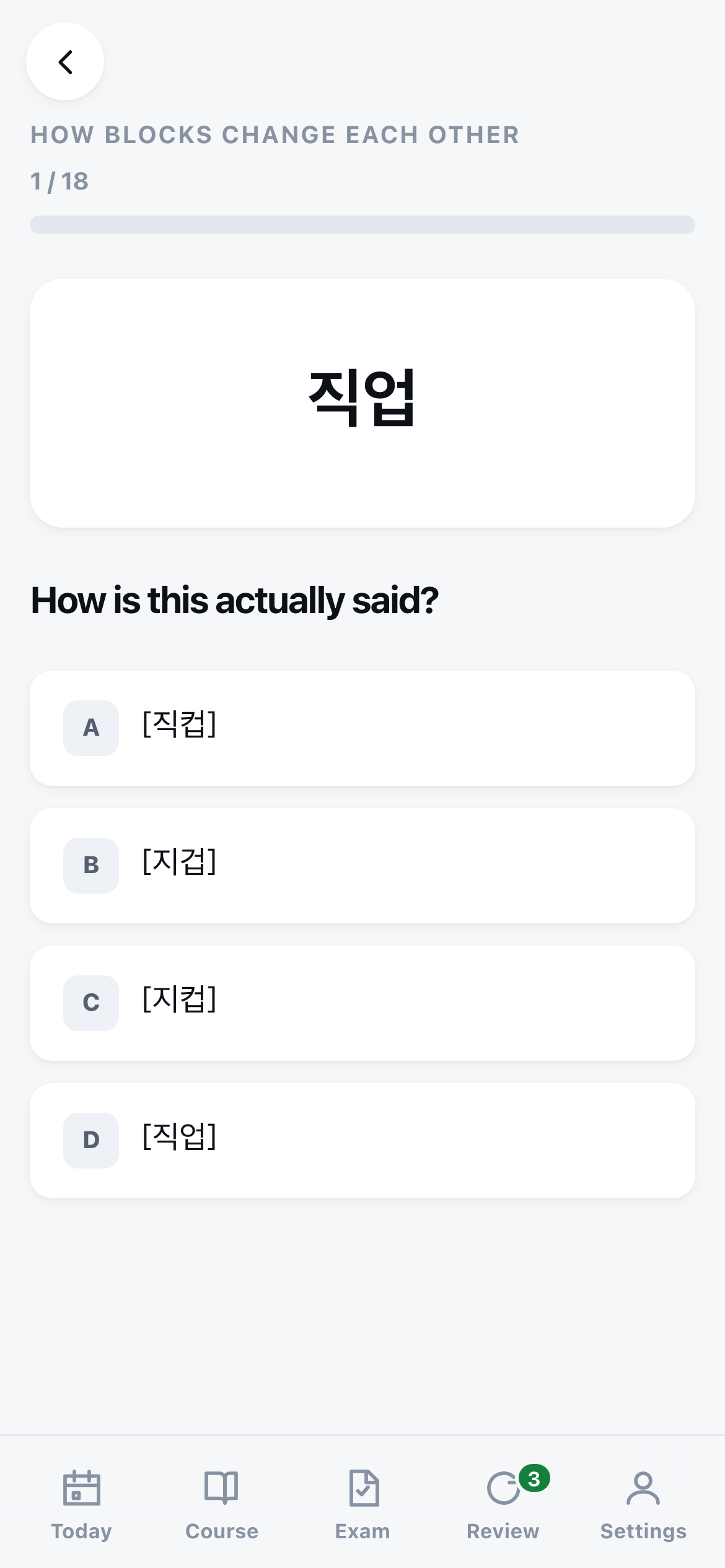
The last alphabet lesson is about how blocks change each other, because a word you can read on paper often sounds quite different when spoken. 직업 is said 지겁, and one wrong option is always the word said exactly as it is written.
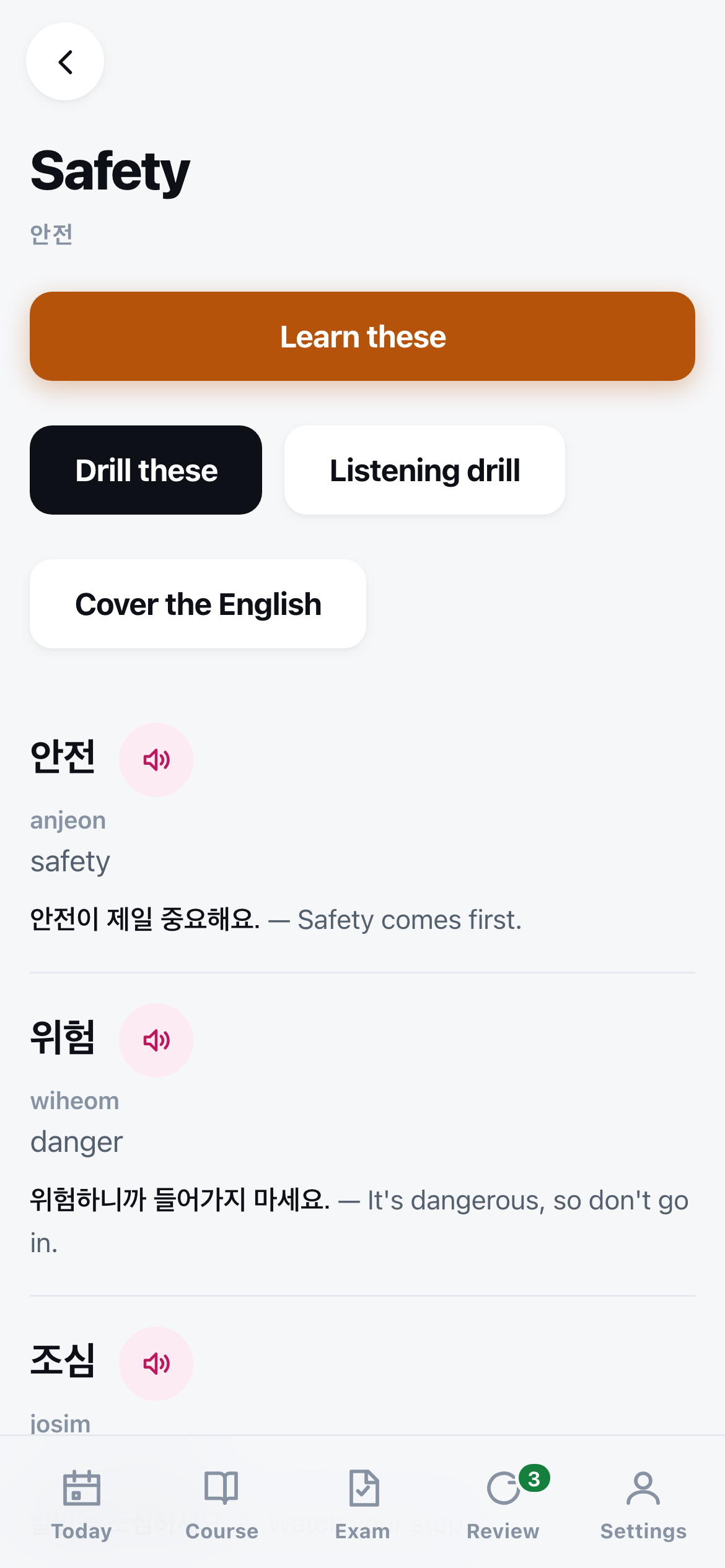
Vocabulary, grouped by where you will hear it. Every word and sentence has a play button.
What it does
HANGIL teaches Korean in two directions at once, because the people who need the first one usually want the second.
The exam side covers the EPS-TOPIK — the Korean test you sit to work in Korea under the Employment Permit System, the route to an E-9 visa. It drills the question types the paper actually uses — including the picture questions the paper opens with, both directions: see a drawing and choose the Korean word, or hear a sentence and choose which of four drawings it describes. Alongside those it drills what a sign means, which word fills the gap, which sentence says the same thing, and what the two people in the conversation just agreed. Then there are two full practice papers, forty questions each, with a fifty-minute clock that does not stop. You find out what you got wrong at the end, with the reason, one question at a time.
If you are applying for manufacturing work, there is also a section for your trade: eight job groups, from rubber and plastic to food processing, each with 26 words and 20 questions.
The course side is twenty-four grammar units that start at this is a passport and end at reading the sentence in your contract that says wages shall be paid on a fixed date at least once a month. Each unit is a written explanation, a table, five or six real sentences with audio, the mistakes people actually make, and a mixed exercise set — multiple choice, word order, listening, matching.
Everything you answer comes back at a widening gap — a day, then three days, then about a week, then about three weeks, and further apart after that. Something you get wrong starts again from today. A word you fumbled in unit three will find you again while you are in unit eleven, which is the whole point. There are two review decks, because there are two jobs: the Korean itself (the alphabet, the course, the vocabulary) is reviewed on its own tab, and exam questions you missed are gone over inside the exam side.
Every Korean sentence in the app has a play button. On a phone the voice is your own phone’s. Nothing is downloaded or streamed, so the audio works in airplane mode on a factory floor with no signal. On Android you choose which speech engine and which of its Korean voices reads to you. Phones often have several installed and they do not sound alike, so it is worth a minute in Settings to find the one you can listen to for an hour.
It starts with the alphabet. Eight short lessons take you from the six plain vowels to reading any block, and the last one covers how blocks change each other when spoken — why 한국어 is said 한구거, and every 합니다 you hear is 함니다. Each lesson walks through its letters, then asks you to read blocks and to pick the one you heard from four that differ by a single letter. Alongside the course there are 197 words grouped by where you will hear them — the shop floor, the safety notice, the payslip, the clinic, the farm.
Two shelves sit empty on purpose, for material published free by HRD Korea — the government agency that runs the EPS-TOPIK — that you download yourself. One takes the official listening files; the other takes the official pictures, and a picture named after one of the app’s own drawings quietly takes its place in every question that used it.
Who it’s for
Anyone preparing for the EPS-TOPIK, and anyone already working in Korea whose Korean has stopped improving because survival Korean is enough to get through the day.
It assumes nothing. If you cannot read 한글, the alphabet lessons come first, and the home screen always says what to do next. If you can already hold a conversation, the last six units are the ones that sound like an adult — modifying clauses, reported speech, the endings that carry attitude, and the plain written style that contracts and government notices are written in.
It is built for a phone, used standing up, in the twenty minutes you have. Every screen works one-handed, nothing needs a connection, and losing your place costs nothing.
What it is not
It is not the exam, and it cannot tell you whether you will pass.
The practice questions were written for this app in the shapes the real paper uses, and the drawings are original line art made for it — nothing is traced, scanned or lifted, and none of it is a past paper. The cut score is set by HRD Korea for each round and is not a fixed number, so the app scores you out of 200 and stops there: a number claiming to predict a pass would be a number invented to sound useful.
It is not affiliated with HRD Korea, the EPS programme, or any exam body. It is an independent study app. It charges nothing, carries no endorsement, and nothing you do in it is registered anywhere.
It is not a translator or a legal reader. The last unit teaches you to read the grammar of a contract, which is worth a great deal and is not the same as advice. If a document affects your pay or your visa, 고용노동부 고객상담센터 ☎ 1350 is free, has interpreters, and is open on weekdays 09:00–18:00. Any 외국인노동자지원센터 will read a contract with you.
It bundles no HRD Korea material. Their listening files and pictures are published free; the app leaves a shelf for each and ships them empty.
Your data
Nothing about you leaves the device. There is no server, no account, no sign-up, no analytics and no telemetry. Your progress, your review schedule and your exam scores stay in the app’s own storage on your device — the Android app’s, or your browser’s. That is not a setting you switch on. The app has no code that sends them anywhere.
The Android app goes further: it has no internet permission at all, so Android itself enforces this. The web app makes no network requests of its own once it has loaded. The one thing that can go out is a sentence being read aloud in Chrome or Edge on a computer, explained below.
One thing to know about the audio in a browser. In Chrome and Edge on a computer the app reads Korean with the browser’s online voice, because it is far better than the voices those browsers have on the device. An online voice works by sending the sentence being spoken to Google or Microsoft. That sentence is the app’s own Korean and nothing else — never your answers or your progress. With no connection, a voice on the device takes over. If you would rather nothing went out at all, pick an on-device voice in Settings. Safari, phone and tablet browsers, and the Android app all speak on the device.
The trade-off is real: clear the browser’s data and your progress goes with it. Settings has a backup you can save to a file and restore later, and it is worth doing before you change phones.
Where it runs, and what changes
The same app either way.
- Android
- Installs from the file itself, with no store account. Your phone will warn you about installing from outside the store — that warning is normal for anything distributed this way. The Android app speaks Korean through the phone's own speech engine, so it can use a better voice than a browser can, and Settings lets you pick which engine and which of the installed Korean voices reads to you. Your progress lives in the app's own storage, so it survives an update — except the one from 1.0, which the note at the top of this page covers.
- Any web browser
- It opens in any browser and there is nothing to install, but it is meant to be added to your home screen — on Android, Chrome's menu › Add to Home screen; on iPhone, Safari's share button › Add to Home Screen. After that it opens full screen like any other app and works with no connection. The app picks the best Korean voice the browser has, with nothing to set. In Chrome and Edge on a computer that is an online voice — see Your data for what that sends. Your progress lives in that browser's storage for this address, so it does not follow you to another phone or another browser — take a backup from Settings before you switch.
Don't take my word for it
What this page claims, and how to check each one yourself.
It works with no connection.
Open it once with a connection, then turn airplane mode on and open it again. The course, the vocabulary, the exam papers and the review deck all still work. The whole app is 897 KB and your browser keeps a copy after the first visit.
It cannot send your progress anywhere.
Open your browser's network panel and use the app. Every request it makes is for its own files, and once it has loaded it makes none at all — answering a question sends nothing. The only exception is the online voice in Chrome and Edge, described under Your data, and your progress is never part of it. There is no account to sign into, no analytics, and no third-party script on the page.
The Android app cannot reach the internet at all.
It asks for no internet permission. Unzip the APK and read its manifest — with that permission absent, Android will not let the app use the network, whatever anybody claims about it. The trade-off is real and worth knowing — it also rules out the speech engines' online voices, which are better than the offline ones, so the app is limited to the Korean voices already on your phone.
The APK you download is the file I built.
Hash it before you install it — shasum -a 256 hangil.apk on macOS or Linux, certutil -hashfile hangil.apk SHA256 on Windows. It must print 3846f5c0552d45d79bdd47818819be7486751a61d23fa193de740119df7fff75. One character out and it is not my build, so delete it.
The Korean audio is your own phone speaking, not a download.
Turn airplane mode on and press any play button. It still speaks, because the app hands the sentence to the phone's own text-to-speech engine. That is why there is no audio to wait for — and why, if your phone has no Korean voice installed, the app says so on the first screen instead of playing you something wrong.
This page is not watching you either.
It loads two scripts from this domain — /motion.js, which tilts the phone on the front page, and /globe.js, which checks whether your screen can draw 3D. If your screen is wide enough to be a laptop or a tablet, /globe.js fetches /three.min.js and /globe-scene.js — a globe on the front page, a drift of lit specks behind every other one. On a phone it fetches /sky-mobile.js instead, about 20 KB, which draws the same specks in a plain 2D canvas, so a handset never downloads the 589 KB library. Nothing is fetched from another domain — three.js is vendored here under its MIT licence. No cookies, no analytics. Open your browser's network panel and count the requests (it shows the sizes compressed, so smaller than these), then read the files — that is the whole of what runs here.